Stacked Christmas Gift Boxes
220 × 180 × 210 mm
STL + STEP | MillimetersCustomizable →
—
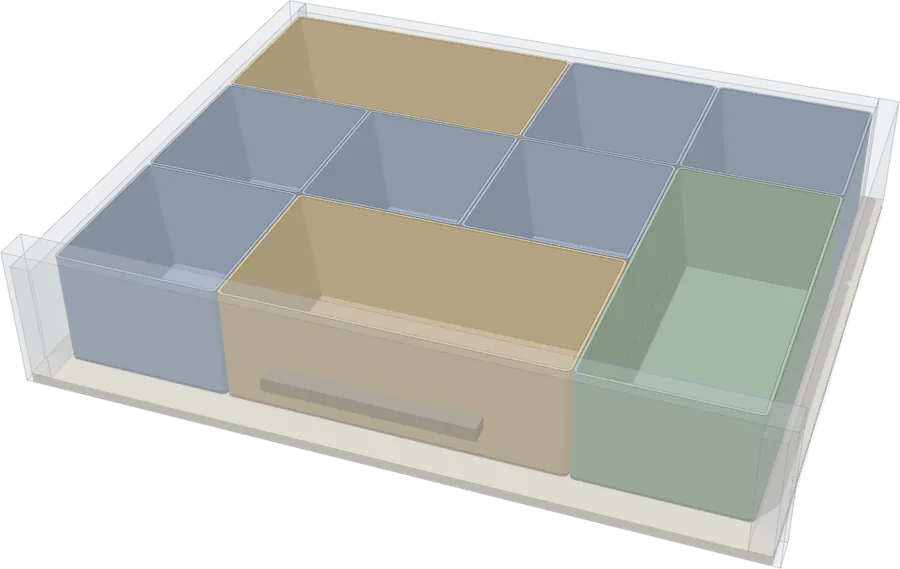 Drawer organizerDrawer Organizer GeneratorSplits your drawer into bins automatically, lets you merge cells, and keeps every bin printable on your bed.
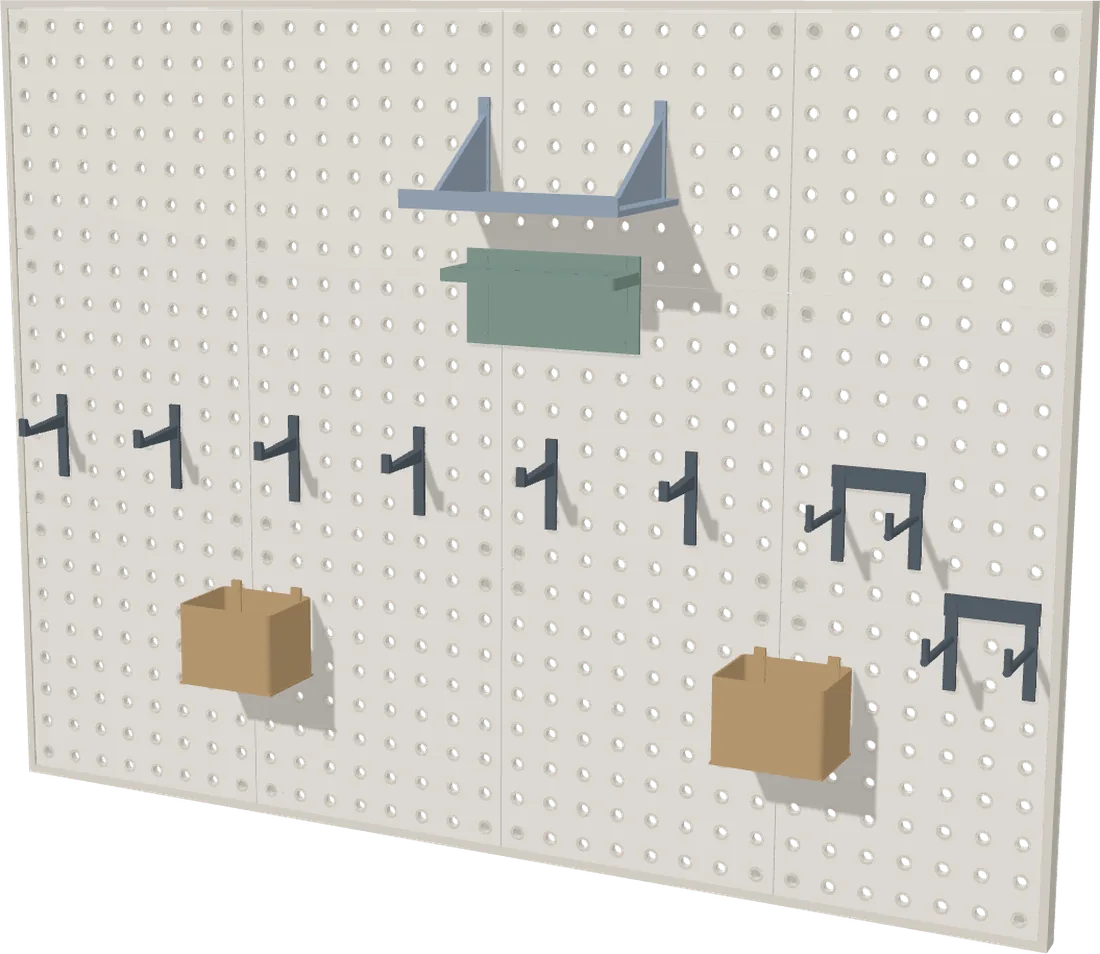 PegboardPegboard GeneratorTiles your wall into printable pegboard panels with round or slot holes, adds hooks and shelves, and checks their strength.
 GridfinityGridfinity GeneratorMake Gridfinity-compatible bins or baseplates: enter cells and height, add dividers, a label tab or a scoop.
Gift boxes, snowflake organizers and Christmas cottages: download STL files or customize dimensions and compartments online.
Versatile boxes you can use at a glance. Adjust the size and dividers online.
See the model page for specifications and assembly steps; after resizing, follow the current assembly list.
See the model page for specifications and assembly steps; after resizing, follow the current assembly list.
The full kit of every model at its default size is free to download once you sign in, and resizing and previewing online is free too. Exporting a custom size or structure takes a single-model unlock or a subscription; see Free & Pricing.
Every model comes as STL and STEP files with a dimension list, in millimeters; multi-part designs include every matching part.
In the studio you can adjust the outer length, width and height, dividers and other parameters; each model page lists its adjustable ranges.
Each model page has printing and assembly notes, and the guides cover measuring your space, choosing filament, slicer settings and checking fit clearances.